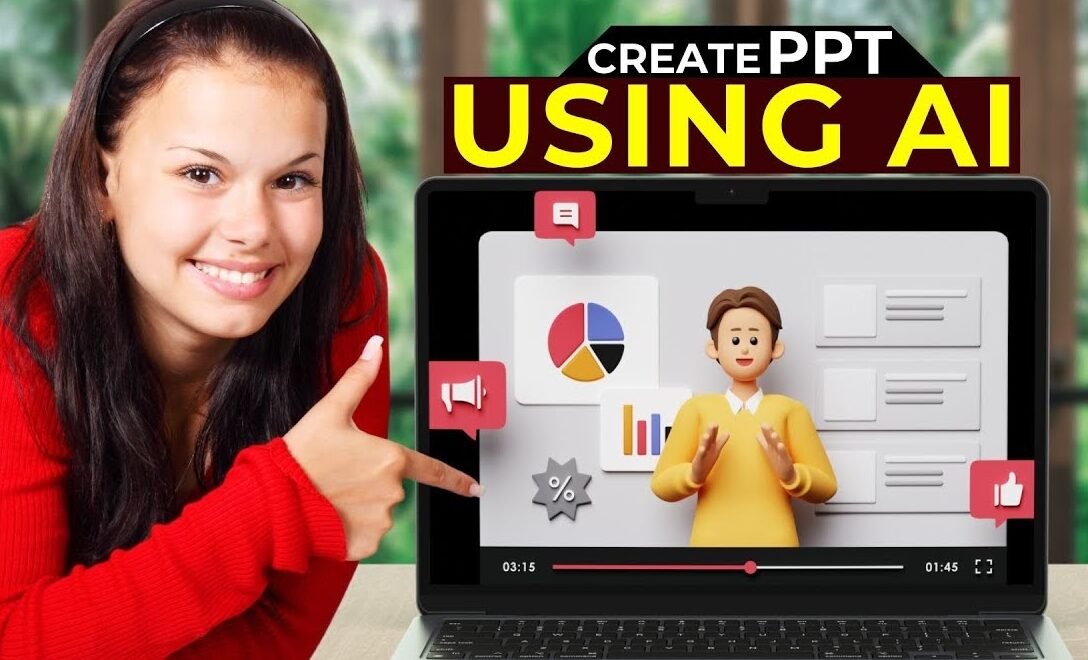
ChatPPT In the digital age, effective communication is more crucial than ever. Presentations—whether for business, education, or personal projects—play a central role in conveying information, persuading audiences, and sharing ideas. However, crafting a compelling, visually engaging, and well-structured presentation can be a daunting task for many. Enter ChatPPT: an innovative AI-powered platform designed to simplify and enhance the presentation creation process. This article explores what ChatPPT is, its key features, benefits, and how it is transforming the way we create and deliver presentations.
What is ChatPPT?
ChatPPT is an advanced tool that leverages artificial intelligence to help users create professional-quality presentations quickly and easily. Unlike traditional presentation software, which requires users to manually design slides and organize content, ChatPPT uses conversational AI to interact with users, generate slides, suggest layouts, and even refine the content for clarity and impact. It acts as a virtual assistant, guiding users step by step through the entire process of building a presentation.
Key Features of ChatPPT
1. Conversational Slide Creation
ChatPPT’s standout feature is its conversational interface. Users simply describe their topic, goals, and audience, and the AI generates relevant content and slide layouts. This makes it accessible even for those with little to no design experience.
2. AI Content Enhancement
Beyond basic text generation, ChatPPT employs natural language processing to suggest better wording, summarize complex information, and highlight key points. This ensures that slides are clear, concise, and impactful.
3. Automated Design and Layout
The platform analyzes the content and automatically selects the most suitable design templates, color schemes, and graphic elements. Users can further customize the look and feel, or rely on AI recommendations for a professional appearance.
4. Visual Asset Integration
ChatPPT can source relevant images, icons, charts, and infographics from extensive libraries, integrating them seamlessly into presentations to boost engagement and comprehension.
5. Real-Time Collaboration
Multiple users can collaborate on the same presentation in real time, providing feedback, making edits, and ensuring alignment across teams or project partners.
6. Export and Sharing Options
Once complete, presentations can be exported in multiple formats (such as PowerPoint, PDF, or web-based slideshows) and easily shared with colleagues, clients, or students.
Benefits of Using ChatPPT
Increased Efficiency
By automating much of the content creation and design process, ChatPPT drastically reduces the time and effort required to build presentations. Users can go from concept to finished slides in minutes rather than hours.
Enhanced Quality
AI-driven suggestions for content and design help users avoid common pitfalls like cluttered slides, inconsistent styles, or unclear messaging. The result is a more polished and effective presentation.
Accessibility
ChatPPT’s intuitive interface makes it easy for anyone to create high-quality presentations, regardless of their technical or design skills. This democratizes the art of presentation-making and empowers a wider range of voices.
Collaboration
With its real-time collaboration features, ChatPPT fosters teamwork and collective creativity, making it ideal for group projects, remote teams, and educational settings.
Customization
While the AI handles much of the heavy lifting, users still have full control over the final product. They can tweak content, adjust designs, and add personal touches as desired.
Popular Use Cases for ChatPPT
- Business Pitches: Quickly assemble persuasive sales decks or investor presentations.
- Education: Teachers and students can easily create and share lesson materials, projects, and study guides.
- Workshops and Seminars: Organize complex information into digestible slides for training sessions or workshops.
- Conference Talks: Prepare impactful keynote or breakout session materials with minimal stress.
- Marketing Campaigns: Develop visually engaging presentations to pitch ideas or report results.
ChatPPT and the Future of Presentations
The presentation landscape is rapidly evolving, with increasing emphasis on interactivity, storytelling, and visual engagement. ChatPPT is at the forefront of this shift, constantly integrating new AI capabilities—such as voice-to-slide conversion, real-time language translation, and interactive slide elements—to meet emerging needs.
As remote work and online learning become more prevalent, the demand for easy-to-use, collaborative presentation tools like ChatPPT will only grow. The integration of AI ensures that presentations remain both high quality and adaptable to changing communication trends.
Conclusion
ChatPPT is redefining how we approach presentation creation. By combining the power of artificial intelligence with an intuitive conversational interface, it empowers users to craft compelling, professional presentations effortlessly. As technology continues to shape how we communicate, platforms like ChatPPT are set to play a pivotal role in making presentations more accessible, effective, and engaging for everyone.