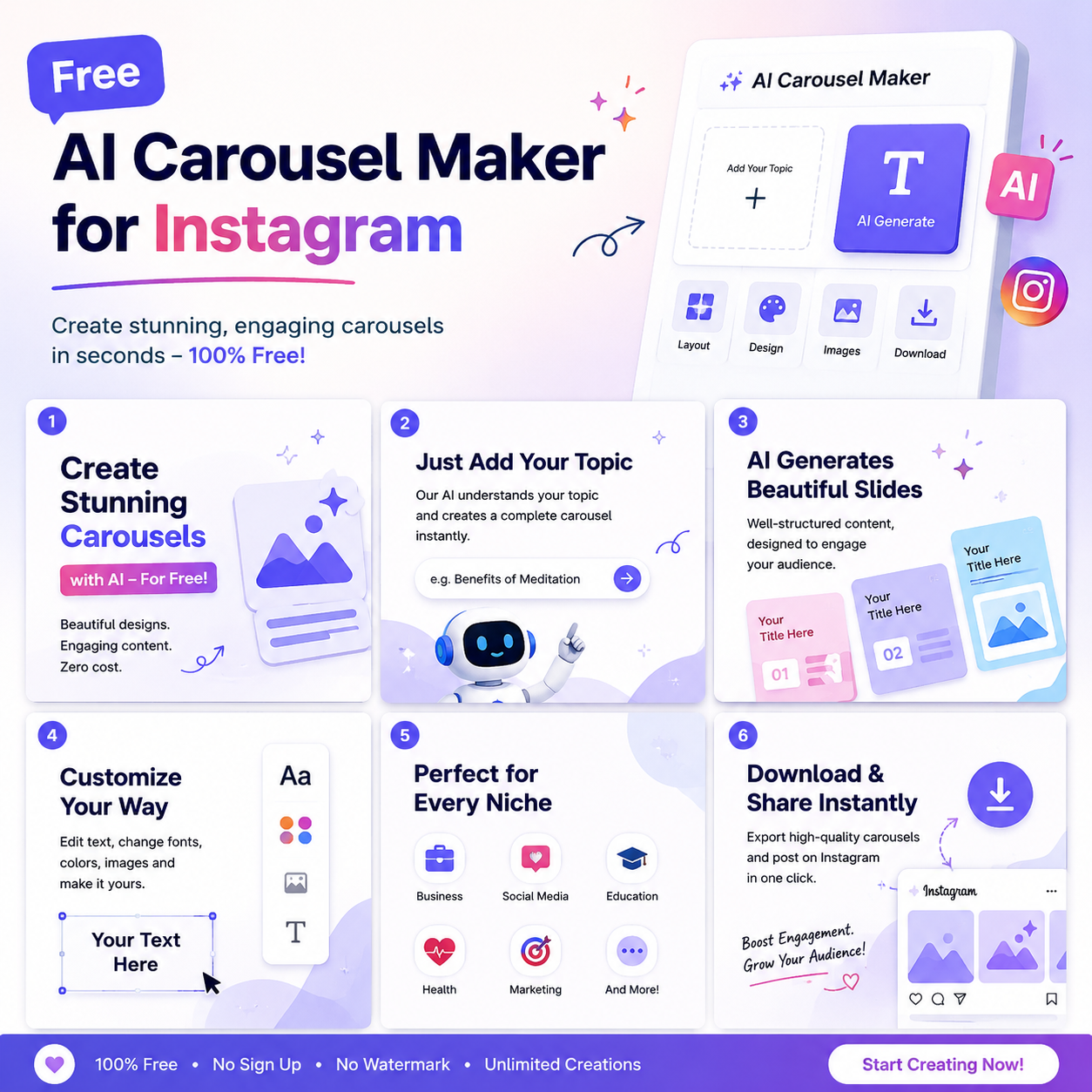
Creating attractive Instagram carousel posts can take a lot of time, especially when you need to design multiple slides, write engaging captions, and maintain a consistent style. A free AI carousel maker for Instagram can make this process easier. These tools help creators turn ideas, text, and educational content into visually appealing slides without requiring advanced graphic design skills.
Whether you are a content creator, student, small business owner, or digital marketer, AI-powered design tools can help you publish content more efficiently. In this guide, we will explain how these tools work, explore useful features, and share practical tips for creating better Instagram carousels.
What Is a Free AI Carousel Maker for Instagram?
A free AI carousel maker for Instagram is an online tool that uses artificial intelligence and design automation to help users create multiple-slide social media posts. Instead of designing every slide manually, you can provide a topic, enter your text, or choose a template.
Depending on the tool, it may suggest headlines, organize information, generate images, select colors, and arrange content into a consistent layout.
For example, you could enter the topic “5 Free AI Tools for Students.” The tool might help you create a cover slide, five individual tool descriptions, and a final slide encouraging viewers to save or share the post.
Free plans vary between platforms. Some provide AI features without payment, while others limit exports, templates, or monthly generations.
Why Use AI to Create Instagram Carousel Posts?
Instagram carousels allow creators to share several pieces of information in one post. They are useful for tutorials, checklists, product explanations, educational content, and storytelling.
Here are some important benefits of using AI carousel tools.
1. Save Time on Content Creation
Designing every slide individually can be time-consuming. AI-assisted tools can help you develop a layout and organize your text more quickly.
This allows creators to spend more time researching topics, checking facts, and planning their content strategy.
2. Create Professional-Looking Designs
Many carousel makers offer ready-made templates, typography options, color combinations, and image suggestions. These features can help beginners create attractive designs without professional design experience.
3. Generate Content Ideas
Some tools can turn a topic into a list of tips, steps, mistakes, or frequently asked questions. These formats work well for educational and informative carousels.
However, AI-generated information should always be reviewed before publication.
4. Maintain a Consistent Brand Style
Using the same colors, fonts, logo placement, and design elements across your slides makes your content easier to recognize.
Consistent branding is particularly useful for businesses, bloggers, and creators who publish regularly.
7 Best Ways to Create Instagram Carousels with Free AI Tools
The following tools offer different approaches to carousel creation. Their free features and limitations can change, so check the current plan before choosing one.
1. Canva
Canva is a popular graphic design platform with Instagram post templates, presentation layouts, and AI-assisted design features.
You can select an Instagram carousel template, add your text, customize the slides, and export the finished designs. Some AI features may require a paid plan or have usage limits.
Best for: Beginners, bloggers, students, and small businesses.
2. Adobe Express
Adobe Express offers social media templates, text styling, image editing, and design tools. It can help users create coordinated slides for Instagram.
Start with a suitable template, add your content, and customize the visual elements to match your brand.
Best for: Creators who want polished social media graphics with flexible design options.
3. Simplified
Simplified combines content creation and graphic design features in one platform. Depending on the current plan, users may have access to AI writing assistance, design templates, and social media content tools.
You can draft slide text and build a visual layout without switching between multiple applications.
Best for: Social media managers and creators who want writing and design features together.
4. Predis.ai
Predis.ai focuses on AI-assisted social media content creation tools. Its features may help users generate post ideas, captions, and visual content.
Check whether carousel generation and downloads are included in its current free offering before relying on it for regular publishing.
Best for: Businesses and marketers looking to streamline social media content production.
5. ChatGPT
ChatGPT can help you plan an Instagram carousel even though it is not, by itself, a dedicated carousel design editor.
You can ask it to generate a slide-by-slide outline, write short headlines, suggest visual concepts, and create a caption with relevant calls to action. You can then transfer the content into a design platform.
Best for: Creators who need help with ideas, writing, and content organization.
6. Microsoft Designer
Microsoft Designer provides AI-assisted design capabilities and visual creation tools. Availability, free usage limits, and specific social media features may vary.
You can explore its templates and design assistance to produce graphics that fit your content style.
Best for: Users who want AI-supported visual design with minimal manual effort.
7. Figma
Figma is a collaborative design platform that can be used to build custom carousel layouts. Its reusable components and alignment tools are helpful when you want every slide to follow a consistent structure.
It is not primarily an automatic AI carousel generator, but you can combine its design features with AI-generated text and image assets.
Best for: Creators who want more control over layout and visual consistency.
How to Make an Instagram Carousel Using AI
You can create a carousel in a few straightforward steps.
Step 1: Choose a Useful Topic
Start with a topic your audience wants to learn about. Examples include:
- Five free AI tools for students.
- Seven mistakes beginners make on Instagram.
- How to create better social media captions.
- Useful productivity tools for bloggers.
Choose one clear topic instead of trying to explain everything in a single post.
Step 2: Generate a Slide Outline
Use an AI writing assistant to divide your topic into short, logical sections.
For example, a seven-slide carousel could include a cover, five useful tips, and a final call to action.
Keep each slide focused on one main idea.
Step 3: Select a Carousel Template
Open your preferred design tool and select a suitable Instagram layout. Use readable fonts, consistent colors, and enough space around the text.
A portrait layout measuring 1080 × 1350 pixels is a common choice for Instagram feed graphics. Make sure all slides use consistent dimensions.
Step 4: Add Text and Visuals
Place a clear headline on the first slide. Use short descriptions, simple illustrations, icons, or relevant images on the remaining slides.
Avoid filling every slide with long paragraphs. The goal is to make the information easy to understand on a mobile screen.
Step 5: Review Every Slide
Check spelling, factual accuracy, font sizes, contrast, and alignment. Make sure that no text is cut off and that the design remains consistent throughout the carousel.
Step 6: Export and Publish
Download the slides in the appropriate image format and upload them to Instagram in the correct order.
Write a caption that explains the value of the post. Include a natural call to action, such as asking readers to save the carousel or share their favorite tip.
Best Instagram Carousel Design Tips
Use a Strong First Slide
The cover should tell readers exactly what they will learn. Headlines such as “5 AI Tools Every Student Should Know” communicate value more clearly than vague titles.
Keep Text Short and Readable
Use simple language, clear headings, and enough white space. Avoid tiny text that becomes difficult to read on a phone.
Create a Logical Flow
Each slide should connect naturally to the next one. Use numbered tips, step-by-step instructions, or a beginning-to-end explanation.
Use Consistent Branding
Choose two or three main colors and a small set of fonts. Add your logo only where it fits naturally without distracting from the content.
Add a Clear Call to Action
Your final slide can encourage readers to save the post, share it with a friend, or visit your website for more information.
Make Content Accessible
Use strong color contrast and meaningful text descriptions when possible. Do not communicate essential information through color alone.
Are Free AI Carousel Makers Really Free?
Many tools provide free access, but their limitations differ. A free plan may restrict AI generations, premium templates, export options, or access to certain design assets.
Before choosing a tool, check the following:
- Whether carousel creation is included in the free plan.
- Whether downloads include watermarks.
- How many designs you can create each month.
- Whether commercial use is permitted for the assets you select.
- Whether your desired export format is available.
If you only create a few posts each week, a free design platform combined with an AI writing assistant may be enough. Frequent creators may benefit from comparing paid plans later.
Common Mistakes to Avoid
Using AI does not automatically make a carousel successful. Avoid these common mistakes:
Publishing unedited AI content: Always review facts, grammar, and originality.
Overloading slides: Too much text can make readers lose interest.
Using unrelated images: Every visual should support the message.
Ignoring your audience: A design that works for a business may not suit an educational page.
Expecting guaranteed engagement: A carousel maker can improve the creation process, but reach and engagement depend on content quality, audience interest, distribution, and many other factors.
Frequently Asked Questions
1. What is the best free AI carousel maker for Instagram?
Canva is a practical starting point for beginners because it offers templates and accessible design tools. Other options may suit you better depending on your need for automated content generation, branding, or advanced editing.
2. Can I create Instagram carousels with ChatGPT?
Yes. ChatGPT can help you plan slides, generate headlines, write concise descriptions, and draft captions. You can then use a design tool to create and export the actual images.
3. Can AI generate an entire carousel automatically?
Some platforms offer automated carousel generation from a topic or text prompt. However, available features depend on the product and subscription plan. You should review the output before publishing.
4. What is the ideal number of slides?
There is no single ideal number for every post. Use enough slides to explain your topic clearly without adding unnecessary information. A short educational carousel may work well with five to eight slides.
5. Do Instagram carousels help grow an account?
Useful carousels can encourage people to spend time with your content, save helpful information, or share it. However, no format guarantees followers or higher engagement.
6. Can businesses use AI-generated carousel posts?
Yes, businesses can use AI-assisted posts for product explanations, tutorials, announcements, and educational content. They should verify claims, respect image licenses, and follow the relevant platform rules.
Conclusion
A free AI carousel maker for Instagram can help creators turn simple ideas into organized, visually appealing social media posts. Tools such as Canva, Adobe Express, Simplified, and Predis.ai offer different ways to streamline the process, while ChatGPT can assist with planning and writing.
The best choice depends on your budget, design experience, and publishing needs. Start with a free option, create a few useful carousels, and review the results. Most importantly, focus on accurate information, readable slides, and content that genuinely helps your audience.
For more practical guides about AI tools, digital creativity, and content creation, explore CloudMagz.com.